
Article
Google Business Profile for a Service Area Business
A service area business hides its address on Google and lists the places it travels to instead. This guide walks through setup, categories, service areas and the mistakes that get profiles suspended — all things you can do this week.
By James Borland

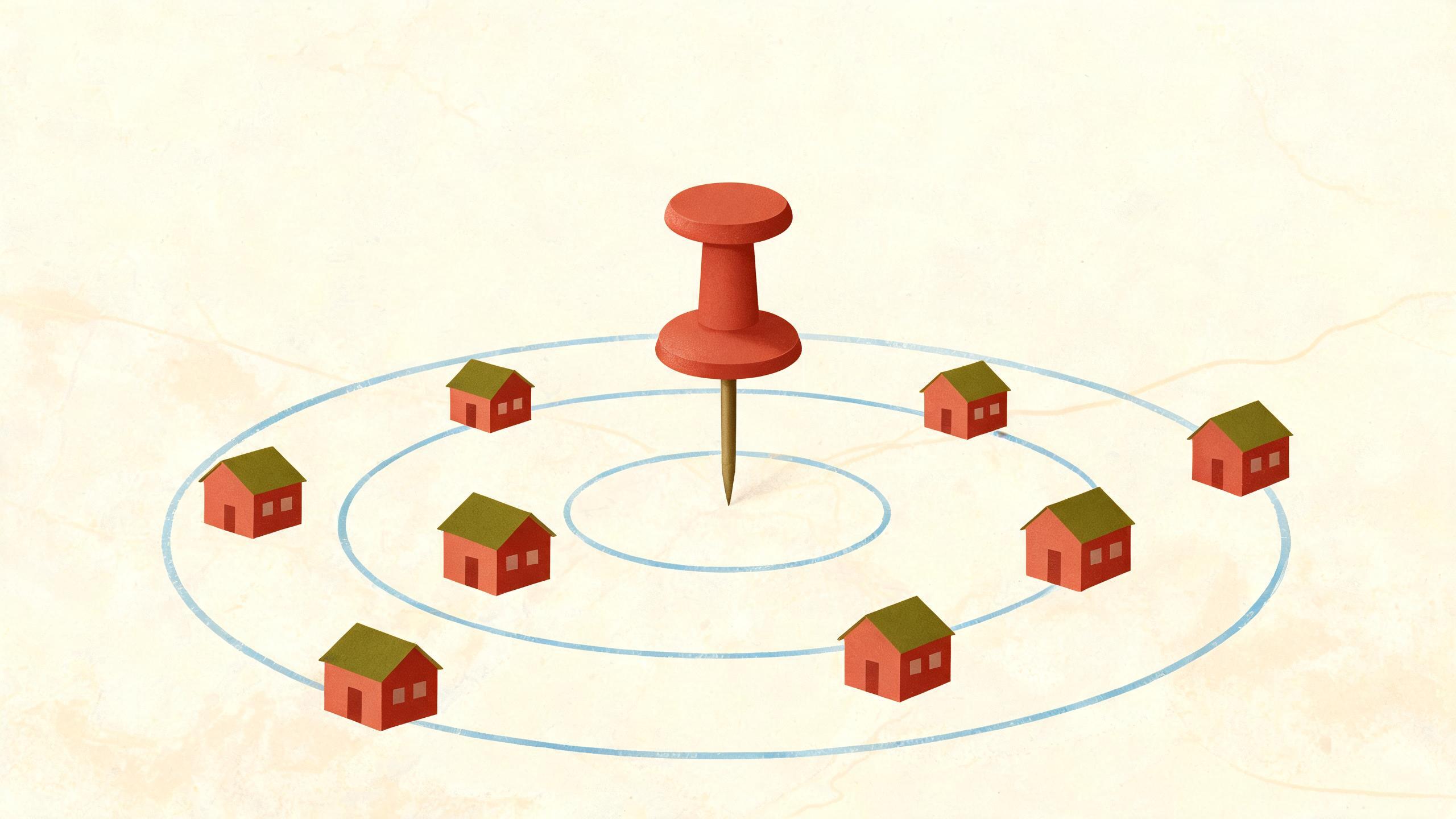
A Google Business Profile for a service area business hides your address and shows the areas you drive to instead. You still give Google a real business address so it can verify you, but customers never see it. Done correctly, the profile can help you show up for nearby searches without publishing where you live.
What is a service area business profile?
A service area business is one that travels to customers rather than serving them at a public storefront. Plumbers, house cleaners, mobile groomers, locksmiths, handymen and mobile mechanics are typical examples — the customer's driveway or kitchen is the place of work, not a shop counter.
On a Google Business Profile, this type of business can hide its business address from the public profile while still giving Google that address to verify the business is real and based where you say it is. Google uses the hidden address for verification; customers see your service areas, phone number, hours, photos and description.
Contrast this with a storefront business — a dentist's office, a florist, a small law firm — where customers come to you and the address should be visible so people can find the door. A hybrid business serves customers at its address and also travels; a plumber with a small parts counter, for example. A hybrid can show its address publicly and still list the service areas it covers.
| Option | Best for | Notes |
|---|---|---|
| Service area business | Businesses that travel to the customer | Address hidden, service areas listed |
| Storefront business | Walk-in customers | Address shown on the profile |
| Hybrid business | Counter visits and travel jobs | Address shown, service areas also listed |
How to set up your profile without showing your address
The steps below are how the setup usually appears. Menu names in Google's tools change from time to time, so look for the wording that matches these ideas rather than memorizing exact button text.
- Start a Business Profile on Google (through the Google Business Profile site or the Maps app) and enter your business name.
- When Google asks whether customers can visit a location, choose the option that says you serve customers at their locations. This is the setting that hides your address.
- Enter your real business address — the place where you park the van, store equipment or run the office. Google's guidelines do not allow a P.O. box or a virtual office as the business address.
- Hide that address from the public profile when the option appears. If Google asks for service areas at the same time, add the cities, zip codes or regions you actually cover.
- Verify the profile using the method Google offers. Options vary by business type and change over time; video verification is common for service area businesses. Follow the instructions exactly, and have your vehicle, tools, workspace and any business paperwork on hand if asked.
On service areas, Google's guidelines say an area generally should not extend beyond about two hours' driving time from your base. Treat that as a rough boundary rather than a technical limit — pick the places you can genuinely reach on a normal workday and serve well.
Which categories and details make you findable?
Your primary category is widely considered one of the most important details on the profile, because it tells Google what the business is. Choose the most specific category for your core service rather than a broad one. "Plumber" fits a general plumbing business better than a vague trade category. Add additional categories only for services you genuinely provide; if you also do drain cleaning or water heater installation regularly, those categories can earn their place.
For a structured way to pick and order categories, see our guide to choosing Google Business Profile categories.
Write the description as plain English: what you do, who you do it for, and the areas you cover. Something like "Residential plumbing repairs and water heater replacement for homeowners in the northern part of the metro area. Same-week scheduling for most jobs." You do not need to repeat every city name. Keyword-stuffed descriptions read badly to humans and do not match how Google says local results work — mainly relevance, distance and prominence.
Use your real business name. Adding keywords or city names to the name — "Smith Plumbing Emergency Plumber 24/7" for an illustrative shop actually called Smith Plumbing — is not allowed by Google's guidelines and puts the profile at risk.
Make sure the website on your profile matches what you actually offer. For the website side, see our guides to page speed and SEO and what metadata is, which covers the titles and descriptions shown in search results. Our SEO action plan covers how to order wider SEO work.
How to keep your profile active and accurate
A profile that is set up once and forgotten drifts out of date, and wrong hours or an old phone number cost you calls.
- Keep hours, phone number and service areas current, including holiday hours. If you do not answer the phone at 2 a.m., do not claim 24-hour service.
- Add real photos of completed work, your vehicle, your tools and your team. Never use stock photos of other businesses; that is both dishonest and against Google's guidelines.
- Ask every customer for a review, and reply to reviews calmly and promptly, including the bad ones.
- Post updates when there is something real to say: a seasonal service, a new team member, a scheduling note.
AI assistants may draw on business details like these when they answer local questions, but nobody outside the platforms knows how they pick businesses, so accurate details are simply a sensible baseline. For a broader look at AI and search, see our article on the role of AI in SEO.
Common mistakes that hurt a service area profile
- Showing a home address publicly when customers are never served there. This invites drop-ins and exposes personal information you did not mean to publish.
- Listing service areas far beyond where the business actually works. It dilutes relevance for your real service area and creates leads you cannot serve well.
- Adding keywords or city names to the business name, or creating a second profile for the same business to cover another area. Google's guidelines treat both as problems, and either can lead to a suspension.
- Letting hours and contact details go stale. Problems like these can lead Google to suspend or limit a profile at its discretion, though enforcement is not predictable and not every slip triggers action.
If your website is part of the problem, our guide to using H1, H2 and H3 header tags shows how to make each service page clearly about one thing. Fixing a profile helps, but it works best alongside a site that describes your services in plain language.
Frequently asked questions
Do service area businesses show up on Google Maps?
Yes, service area businesses can appear on Google Maps and in the local results, including the map pack, when your services match the search. Google says local results are based mainly on relevance, distance and prominence; results vary by area and competition, and nobody outside Google knows the full ranking recipe.
Can a service area business have more than one profile?
Google's guidelines generally call for one profile per business location, and creating extra profiles to cover more cities is a common reason for suspension. If you open a second real location with its own staff and address, that can qualify for its own profile. Check the current guidelines before adding a second listing.
How large can my service area be?
Google's guidelines say a service area generally should stay within about two hours' driving time from your base. Treat that as a practical boundary rather than a hard technical rule — pick areas you can actually reach and serve. Overstating your coverage usually creates problems rather than opportunities.
Is a Business Profile on Google free?
Yes. Creating and managing a Business Profile on Google does not carry a fee, and verification is free. Be cautious with anyone charging you simply to set one up or to "claim" it on your behalf — the work is straightforward and you can do it yourself in an afternoon.
Do I need a website to create a profile?
No, a website is not required. You can create a profile with just your business name, contact details and service areas. That said, a simple site with a page per core service and a short service-area note gives people somewhere to land and helps confirm what you do, which can support the profile too.
More from the blog
- Local SEO for Restaurants: A Practical Guide
5 October 2026
- How to Rank in Google AI Overviews for Local Business
5 October 2026
- A Practical Guide to Local SEO for Law Firms
5 October 2026